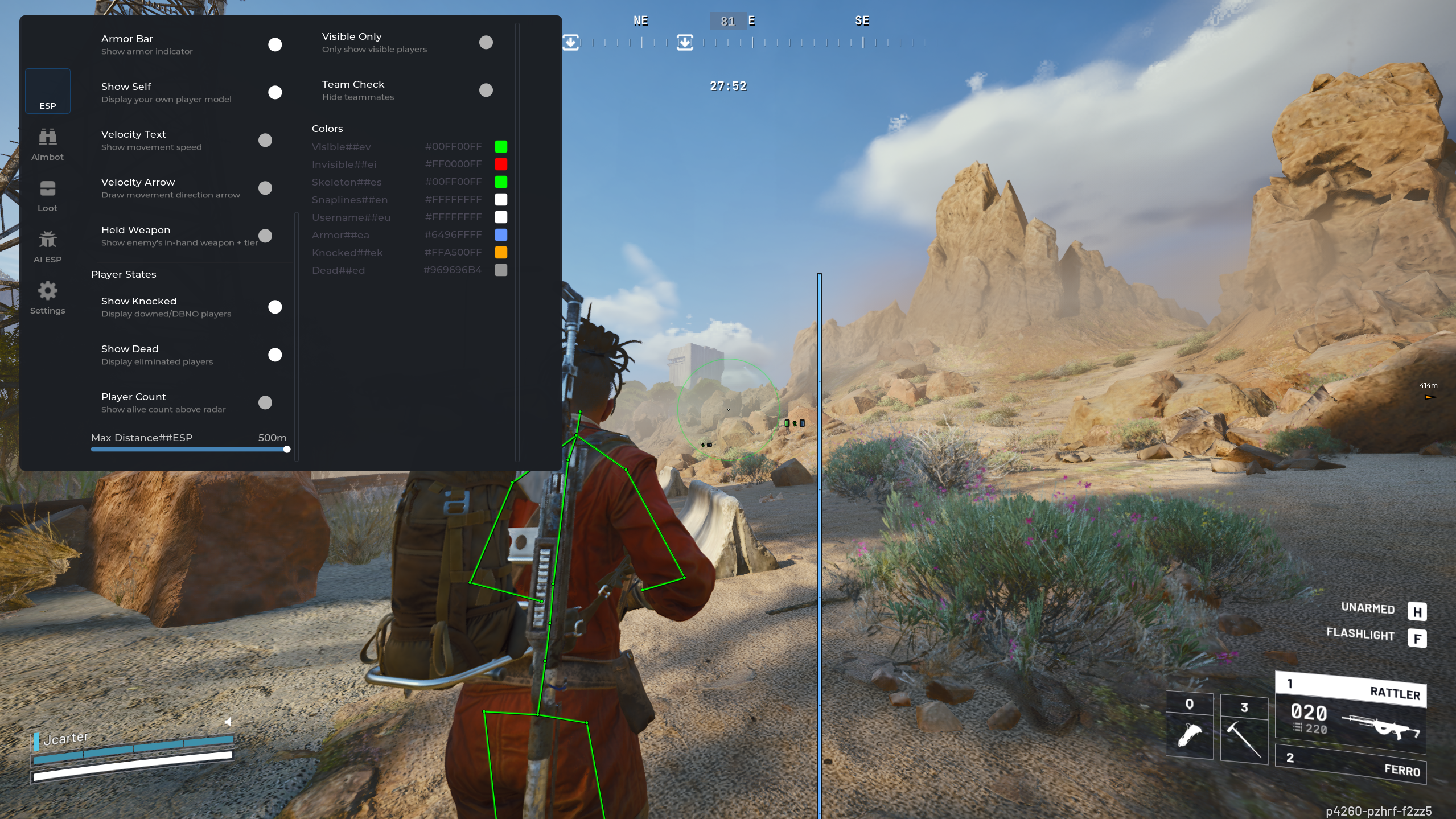
BLITZ ARC Raiders Cheat
Setup & Troubleshooting
Download the BLITZ ARC
Raiders Cheat
Use the file or instructions supplied with your OnlyESP
order.
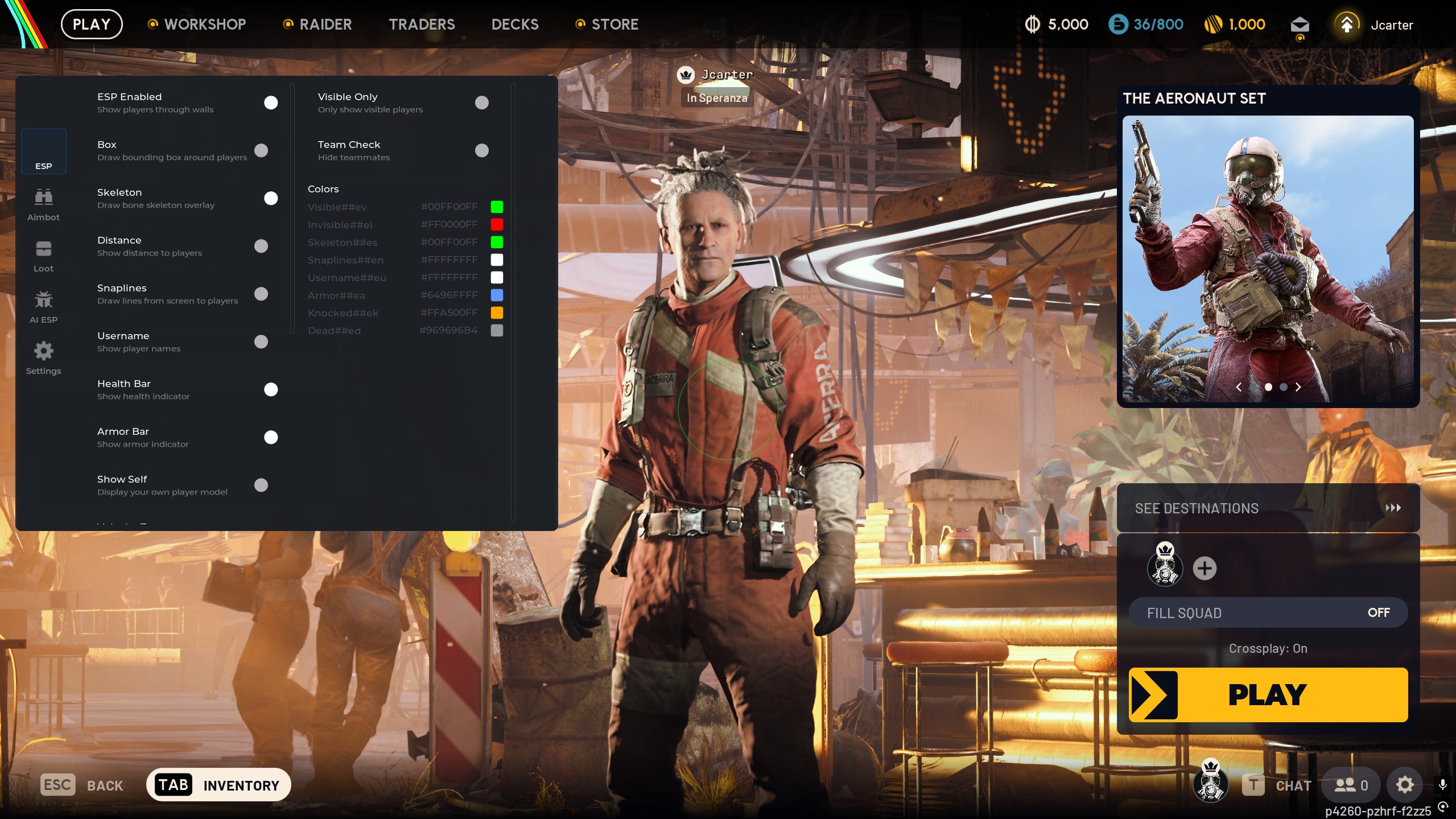
Basic Setup &
Troubleshooting
- Disable your antivirus temporarily.
- Run the cheat as Administrator.
- Ensure the game is running before injecting.
- If the cheat doesn’t work, restart your PC and try again.
Hyper-V Requirements Check
Before using this product, make sure all Hyper-V requirements are
enabled in System Information.
How to Check
- Press Windows Key + R
- Type
msinfo32 and press Enter
- Scroll to the bottom of System Summary
- Confirm the following all say Yes:
- Hyper-V - VM Monitor Mode Extensions
- Hyper-V - Second Level Address Translation Extensions
- Hyper-V - Virtualization Enabled in Firmware
- Hyper-V - Data Execution Protection
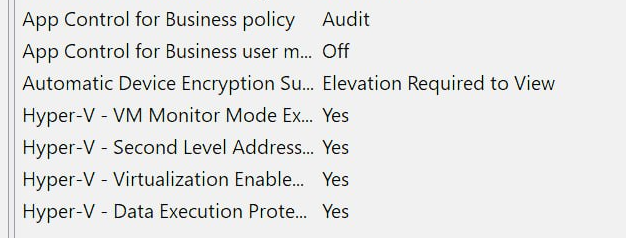
If any of these show No, virtualization must be
enabled in BIOS.
How to Enable Virtualization
Step 1 — Enter BIOS
- Restart your PC
- While booting, repeatedly press one of these keys:
(The key depends on your motherboard or laptop manufacturer)
Step 2 — Enable Virtualization
Look for one of these settings:
- Intel VT-x
- Intel Virtualization Technology
- AMD-V
- SVM Mode
Set the option to Enabled.
Step 3 — Save Changes
- Press F10 to save and exit BIOS
- Restart your PC
Step 4 — Verify
Open msinfo32 again and make sure all Hyper-V
requirements now show Yes.