ASUS
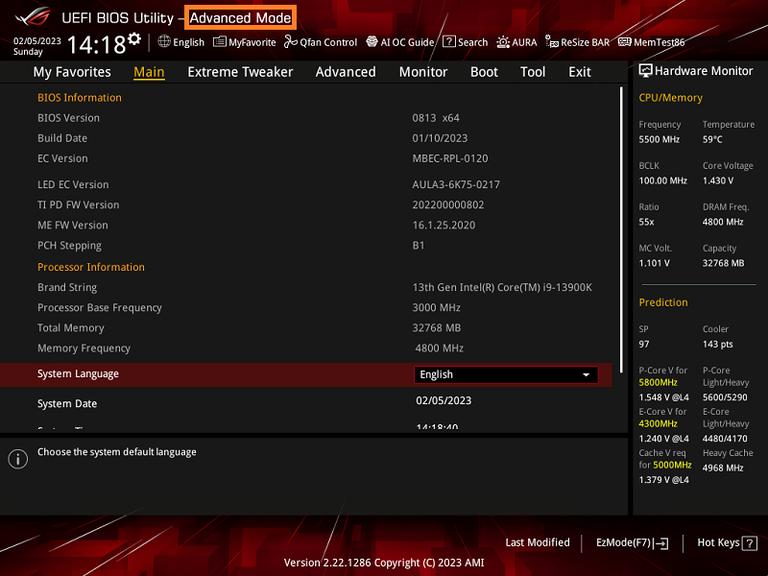
Power on the system and press [Delete ] key to enter
BIOS [Advanced Mode] as below picture
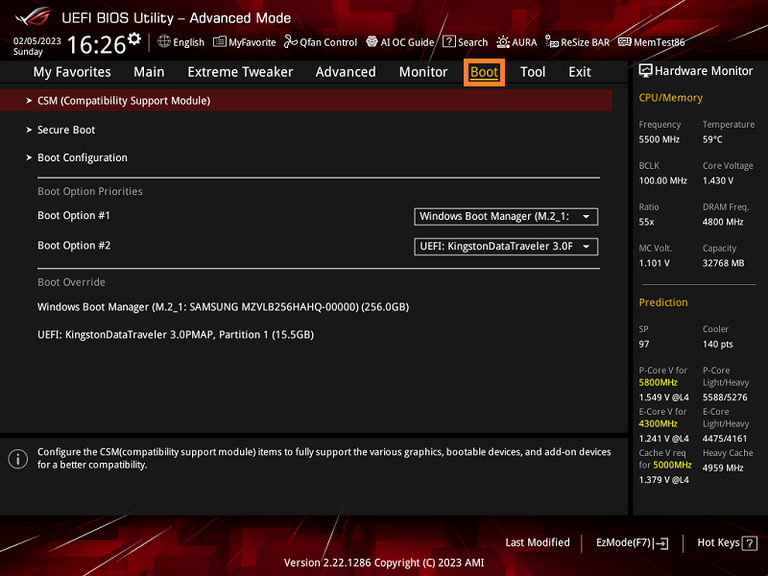
Click [Boot] as below picture
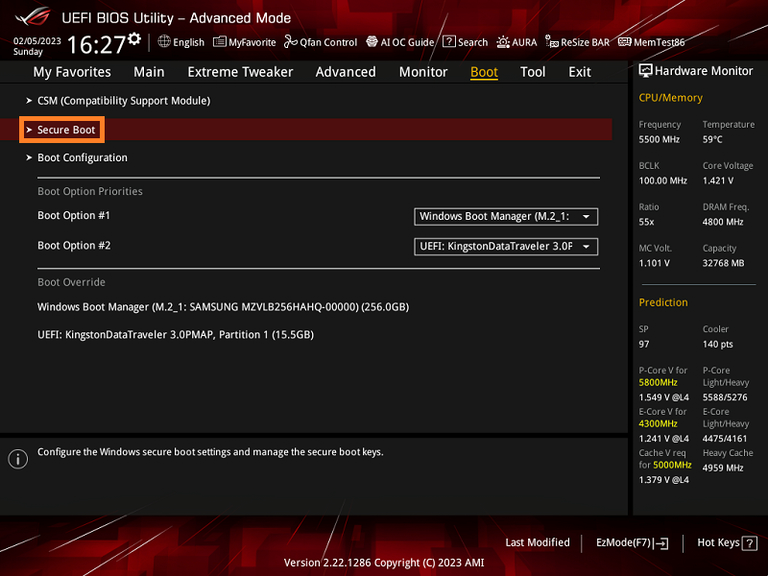
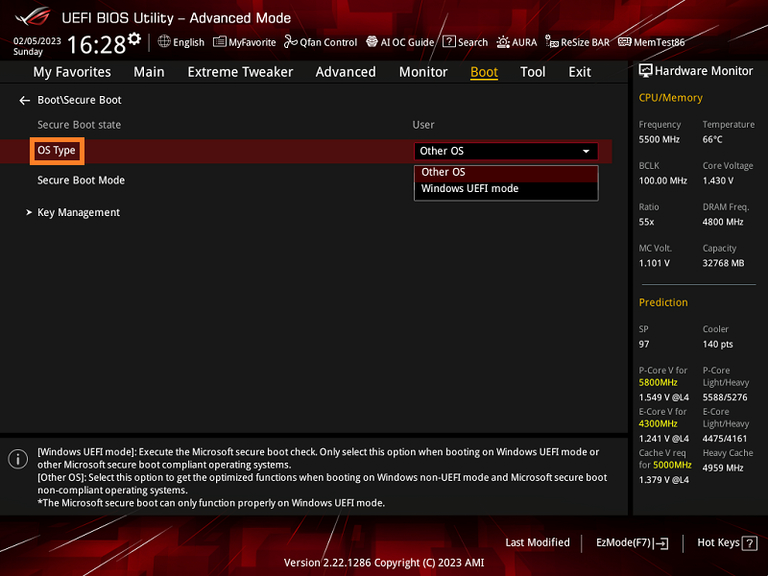
Click [Secure Boot] option as below picture
OS Type Default is Other OS
Other OS: Secure Boot state is off
Windows UEFI mode: Secure Boot state is on
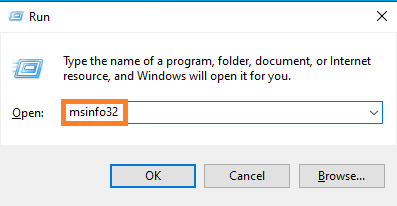
Press [WIN]+[R] key together and then input
msinfo32 as below picture
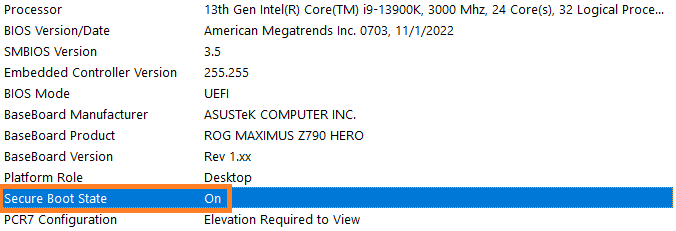
Find [Secure Boot State] option. If it shows as Off,
it means Secure Boot is disabled.
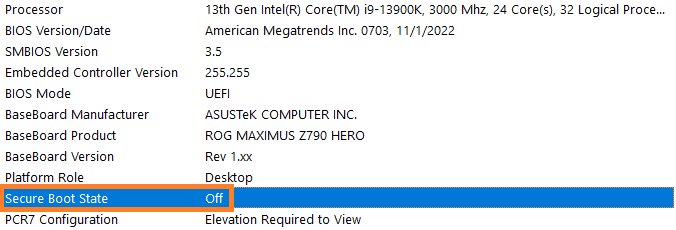
If it shows as On, it means Secure Boot is
Enabled.