R6 Crusader Chair Guide
Setup/Injection:
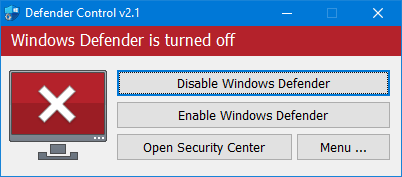
- Disable Windows Defender w/dcontrol
- Install Visual C++ Runtimesarrow-up-right - Use an
Extract tool such as Winrar or 7Zip to
extract it to a folder - Right click on it and press Extract to
visual-c-runtimes all-in-one feb-2024
- Once Extracted open the yellow folder. - Run
install_all as administator then press yes to all the
UAC pop ups it may take a few minutes depending on your internet speed
to install each Visual Runtime.
- Install DirectX - Install the following program from gofile -
Use the instructions or files supplied with your OnlyESP
order. - Download dxwebsetup.exe from gofile -
Run dxwebsetup.exe - Uncheck the ” Install Bing Bar”
Check box to ensure no errors occur. - Once complete we can advance onto
the next stage
- Download the loader using this link. The password for the archive is
123. Use the instructions or files supplied with your OnlyESP
order.
- Extract the files from the archive and place them in a separate
folder. The folder name should be written in English letters, it is
recommended to place this folder in the root of the C drive.
- Run the cheat loader as administrator.
- Insert your key into the “Serial Key” field and click “Sign
In”.
- After a short loading, you will see the R6S icon.
- Click the “Start Injection Process” button.
- The message “Please Open Rainbow Six Siege” will appear, it’s time
to launch the game. Be sure to run the DirectX 12 version of the
game!
- When the game starts, press the “Insert” key while in the main
menu.
- The cheat menu will appear in front of you. The key to close/open
the menu is Insert.
Note: Open/Close Menu = Insert Key [If Using Smaller
Keyboard Press Windows key + Ctrl + O to bring up the on screen
keyboard!]
Troubleshooting:
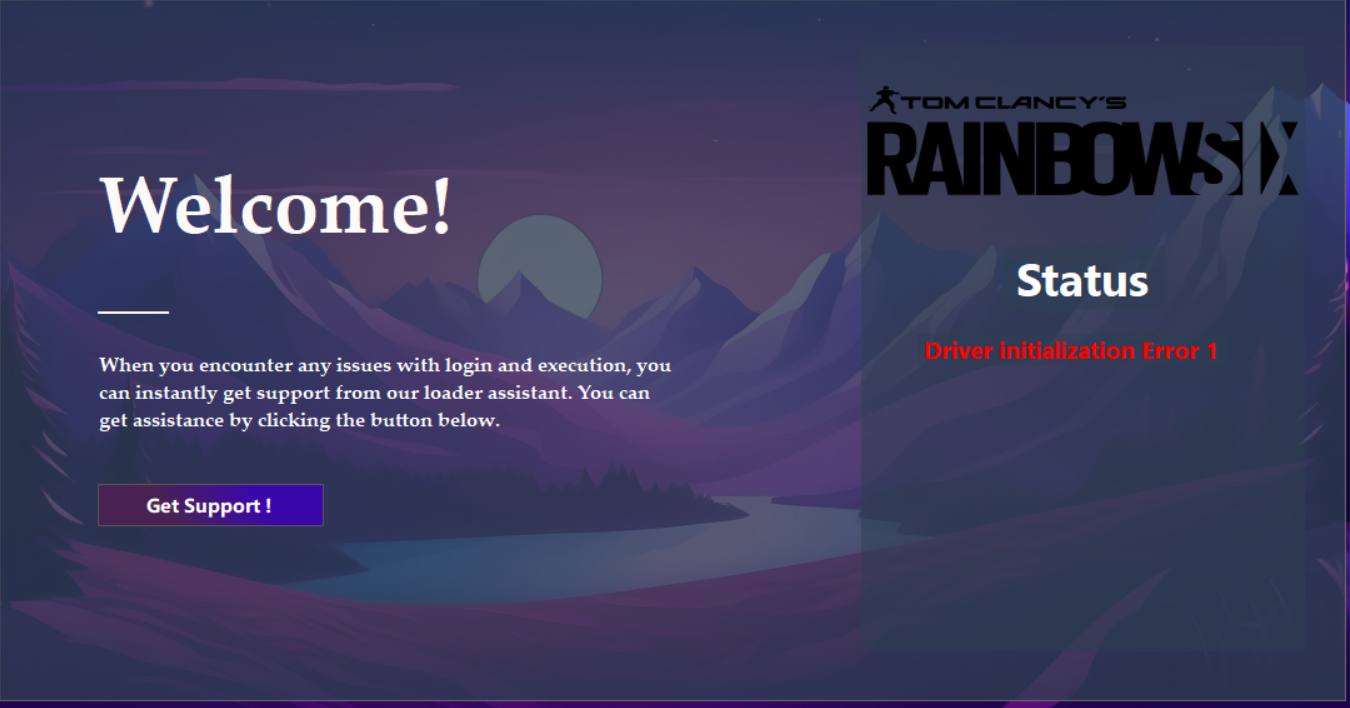
Driver Initialization Error:
This issue is usually caused by one or more of the following:
- Exploit Protection is turned on
- Windows Defender or Kernel Isolation is enabled
- Anti-cheat software like FACEIT or Valorant is installed
- Control Flow Guard (CFG) is enabled
- Other antivirus programs are running
If disabling those doesn’t help, try pressing “Get Support,” then
select option 1, followed by option 2.
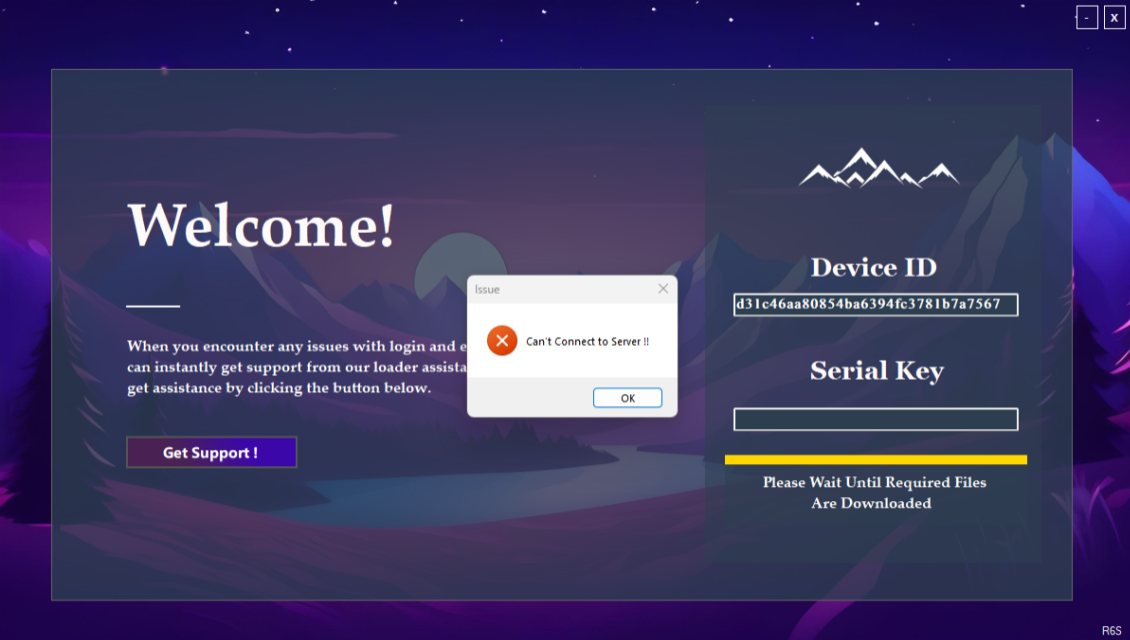
Cannot Connect To Server Error

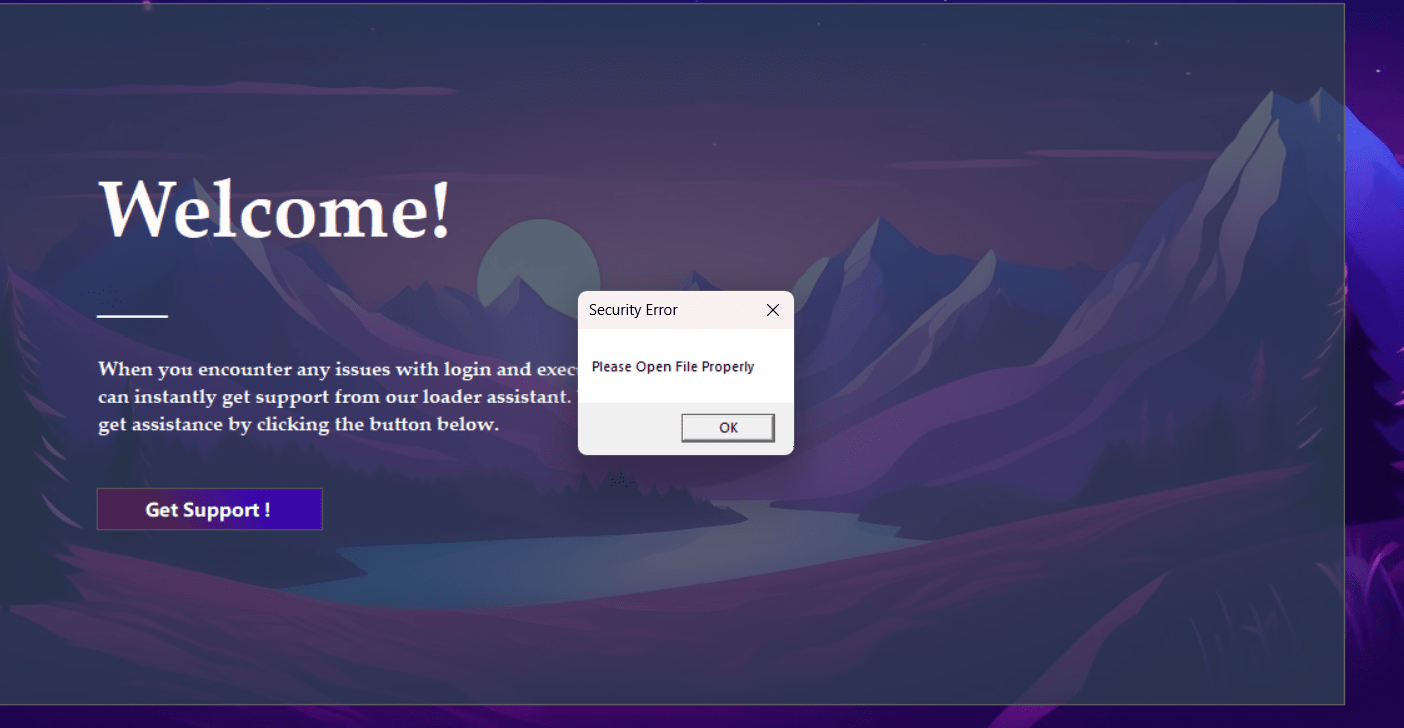
Please Open File Properly Error
- Re-download the loader
- Place it on your desktop in a new folder
- Make sure the loader is not zipped.