Grey DMZ Internal
Setup:
- Disable
Real-Time Protection & Antivirus Software
- Disable
Hyper-V
- Enable
Virtualization
- Disable
Memory Integrity
- Disable Other
Anti Cheats
- Disable Overlays:
- Turn off all overlays (Discord, GeForce, Medal, Radeon, etc.).
- Disable Any 3rd Party Firewalls
- Disable
Vulnerable Driver Blocklist
- Disable VBS / Virtualization
Based Security
- Sync
Date & Time
- Make sure the following are installed on your system:
- Download Loader From Email
- Run as admin and follow loader instructions!
Open/Close Menu = INS or Home
This what I do if I
crash:
- clean temps,
- delete mw2 exe and repair,
- install / repair dx11 and c++,
- And restart pc and try again
- Lower in game settigns to low
Use the instructions supplied with your OnlyESP order.
Loader Closing
after key or opening?:
Enable VPN before opening loader
- Free VPN here - cloudflare
(if still don’t work you can try fixes on the support tool and
restarting and trying again if still don’t work message the seller
through Discord you may need a reset!) Support Tool
Download here
Signature Verification
Failed
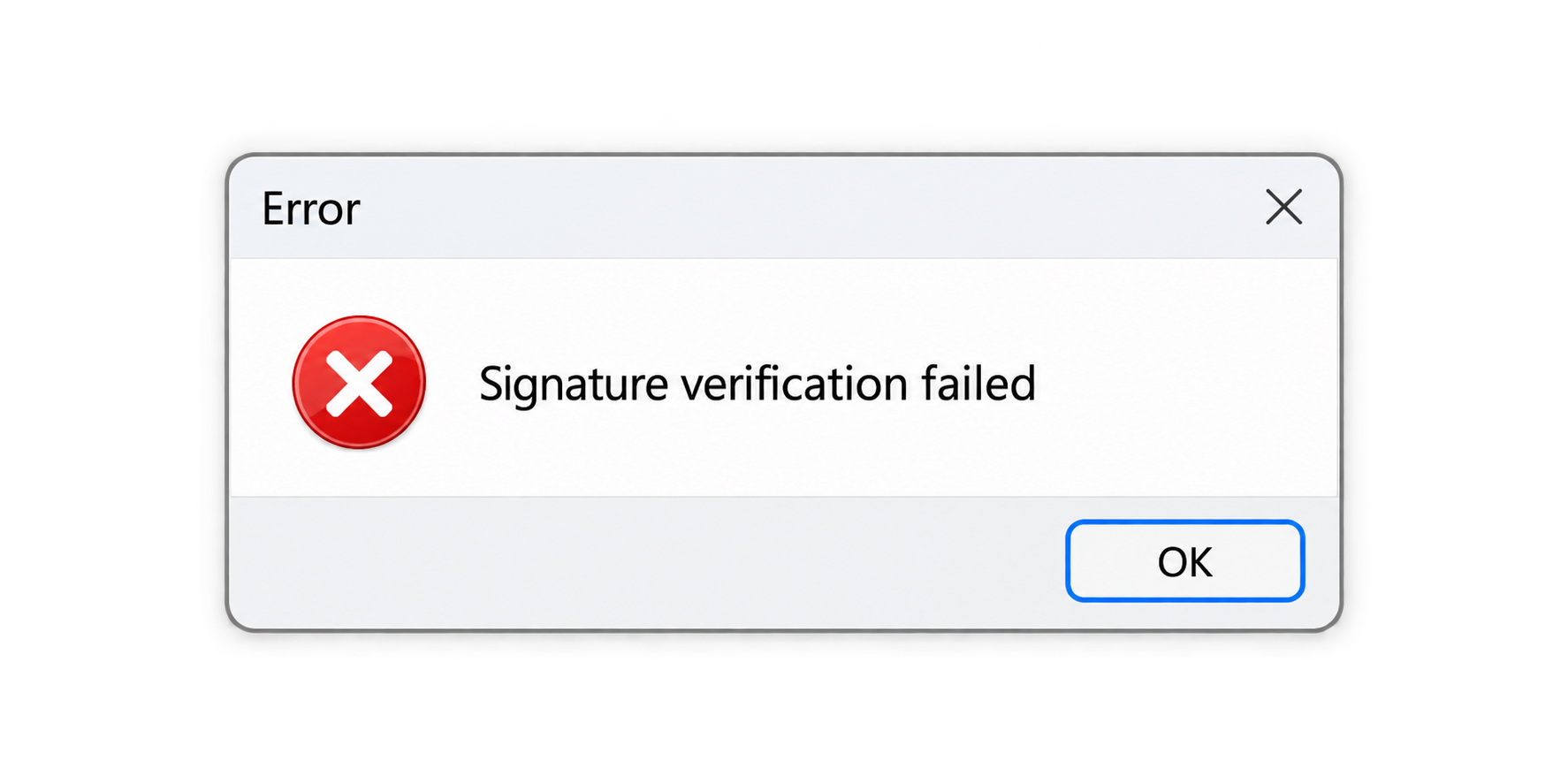
Try the following steps, then reopen the application:
- Sync your date and time: Open Settings →
Time & language → Date & time, enable Set time
automatically, and click Sync now. See the
time-sync guide: READ
HERE.
- Extract the files: Right-click the
.ZIP or .RAR archive and extract its contents
into a folder. Run the .exe from that folder.
- If you’re also experiencing slow downloads or connection
issues: Open Command Prompt as administrator,
paste the command below, and press Enter:
netsh int tcp set global autotuninglevel=normal